Tools / 06

Mac Snap
Mac-style window snapping for Ubuntu.
The problem
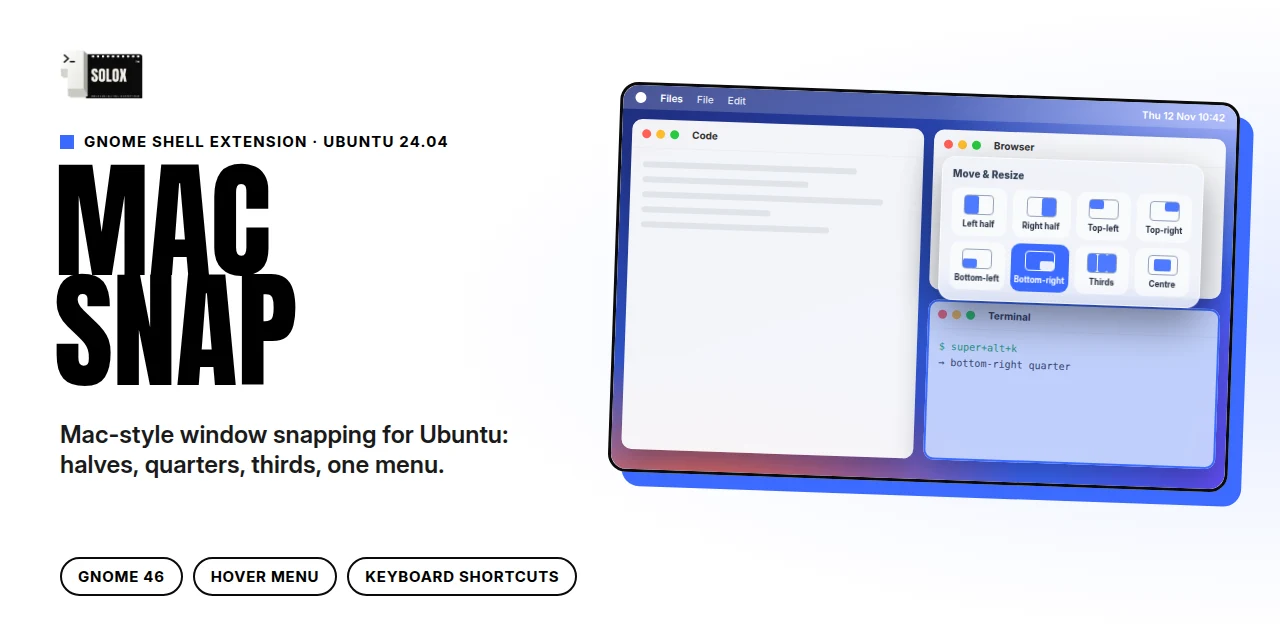
Ubuntu only snaps windows to halves by dragging. I wanted the macOS Move & Resize menu: rest on the maximise button and pick a layout, or use one shortcut.
What it does
- Rest the pointer on a window's maximise button and a glass Move & Resize menu opens.
- Halves, quarters, thirds, fill, centre and restore, with a 10 px gap between windows.
- Keyboard shortcuts for every layout (Super+Alt+U/I/J/K for quarters, Super+Alt+1/2/3 for thirds).
How it's built
- GNOME Shell extension in JavaScript (GJS) for GNOME 46.
- On Wayland apps draw their own title buttons, so the shell can't hook the real button; the extension watches where the pointer rests instead.
- Drag-to-edge stays with Ubuntu's own tiling assistant, set to the same gap so both match.
- Every layout checked to land on the exact rectangle in a nested test shell.
Private build · demo on request
Next tool 👉Wakeface